 Connect to ChatGPT
 Connect to Claude
Your assistant does the work
Ask Claude or ChatGPT to send an agreement, remind signers or check who has signed. It can do only what you can, and asks before it emails anyone.
Use AI assistantsUpload the PDF or Word file, add who needs to sign.
We remind signers who haven’t signed and tell you when everyone has.
Drop your agreement here
PDF or Word, up to 15 MB
Or send it straight from your chat
Say “send this for signing” and your signers get it by email. Ask “who still needs to sign?” any time.

Every new feature starts with your assistant in mind, and you can always do it yourself.
Ask Claude or ChatGPT to send an agreement, remind signers or check who has signed. It can do only what you can, and asks before it emails anyone.
Use AI assistantsOne plan for your whole team and its assistants. You pay for completed signatures, not for users.
See pricingNo assistant needed. Everything an assistant can do, you can do yourself in the app.
How it worksBuilt by the team behind Docue, whose signing software tens of thousands of businesses rely on. ISO 27001 certified and hosted in the EU.
How your agreements are protectedElectronic signatures at the levels defined by the EU’s eIDAS regulation, for signers anywhere in the world.
Bring the agreement as a PDF or Word file, wherever you wrote it. Add the people who need to sign and decide how it should go.
Each signer gets a personal link to the agreement by email. They read it, confirm who they are and sign.
The EU’s eIDAS regulation defines three levels of electronic signature. Pick one for each agreement, or let each signer choose. They work for signers anywhere in the world, not only in the EU.
After you send, Agreement.new shows who has signed and emails the signers who haven’t.
When the last signature lands, you get the signed agreement and the evidence to back it.
Your team’s agreements are visible to its members and to nobody else.
Agreement.new comes from the team behind Docue, whose document software tens of thousands of businesses have relied on since 2015.
Docue Technologies Oy, the company behind Agreement.new, is certified to ISO/IEC 27001, the international standard for information security.
About the certificationYour agreements are stored and processed in the EU and handled in line with GDPR. Need a data processing agreement? We will sign one with you.
Documents are encrypted while they travel between you and us, and while they are stored.
We never use your agreements to train AI models, ours or anyone else’s.
Delete a document whenever you like. It and its files are permanently erased within 30 days.
We put our security to the test on a regular schedule, so weak spots are found by friendly experts before anyone else finds them.
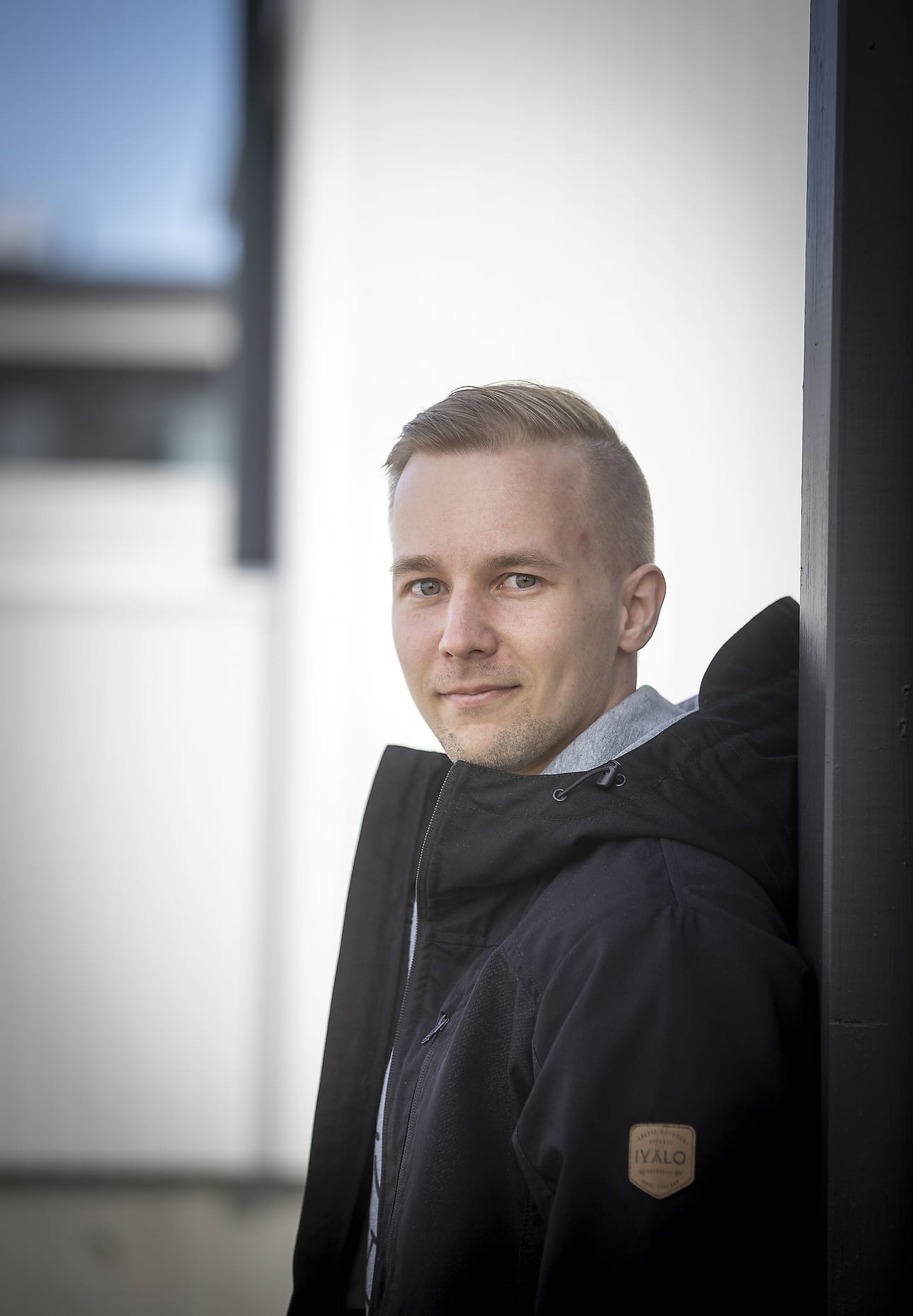
Founded by Docue co-founder Mikko Kutilainen
Mikko co-founded Docue in 2015 and has spent the past decade building its document and signing software.
Upload the PDF or Word file, add your signers and send it for electronic signature. Signers who haven’t signed are reminded automatically.